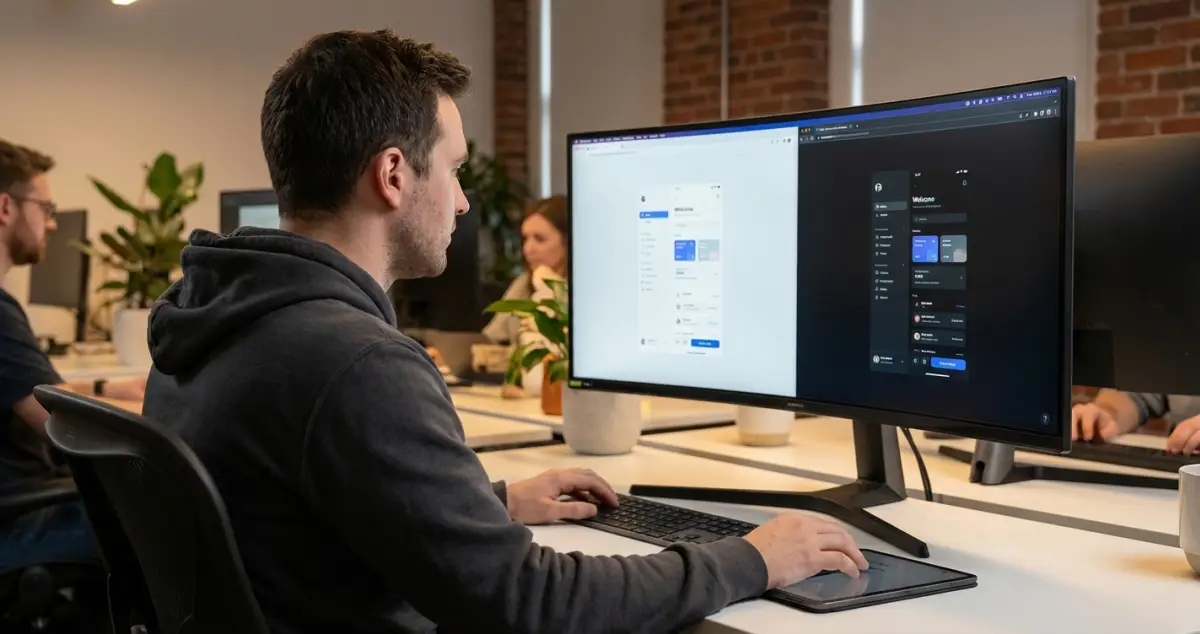
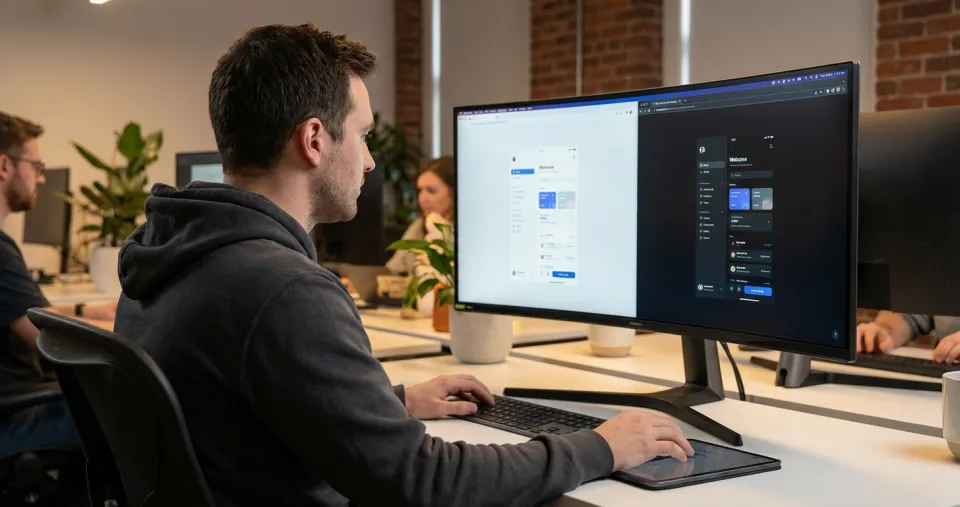
Dark mode in 2026 is no longer a "nice-to-have" – it's a user expectation. Operating systems, apps and browsers offer dark mode as standard. If your website doesn't support it, people notice. But dark mode is technically and visually more demanding than most people think.
Why Simple Inversion Doesn't Work
The most common mistake: applying filter: invert(1) to the entire CSS. The result is inverted images, incorrect brand colours and contrasts that don't work on dark backgrounds. Black-on-white doesn't work as white-on-black – the contrast ratios are different, and the human eye responds differently to light text on a dark background.
The Right Approach
Work with design tokens: Define colours not as fixed values but as CSS custom properties (variables) that change depending on the mode. --color-bg, --color-text, --color-surface, --color-accent. In light mode, populate these with light values; in dark mode, with dark ones – and every element references only the variable.
Dark background doesn't mean black: Pure black (#000000) on screens is straining on the eyes. Use dark grey tones (#121212 to #1E1E1E) with a slight warm shift. Apple and Google intentionally use off-black tones in their design systems.
Adapt images and graphics: Logos with transparent backgrounds can disappear on dark backgrounds. Provide alternative asset variants for dark mode. SVG icons should use currentColor so they automatically adopt the text colour.
Rethink shadows: Box shadows that create depth on white backgrounds are invisible on dark backgrounds. Instead, work with slightly lighter surface colours for elevated elements – the higher the elevation, the lighter the surface.
Technical Implementation
Use the prefers-color-scheme media query to respect the system mode. Additionally offer a manual toggle that saves the preference in LocalStorage. And test: read your own website for 10 minutes in dark mode. If your eyes get tired, something is wrong with the contrasts.
Dark mode isn't just aesthetics – it saves energy on OLED screens, reduces eye strain in low-light conditions and is a genuine accessibility feature for light-sensitive users. It's worth doing it right.
Want to implement dark mode on your website professionally? Sidora AG implements dark mode as an integral part of your design. Get in touch.