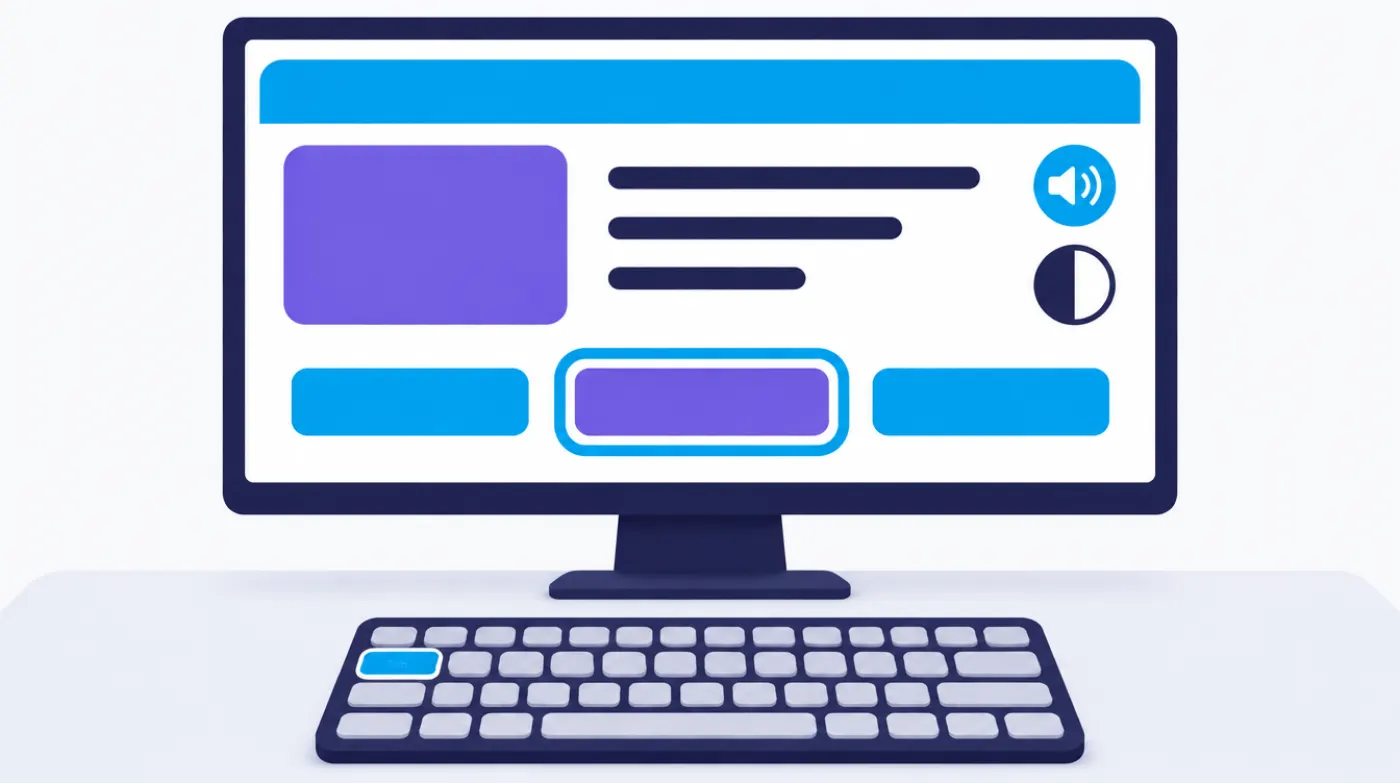
Is an accessible website mandatory in Switzerland? For public authorities, yes: the Confederation is bound by the Disability Discrimination Act (Behindertengleichstellungsgesetz, BehiG), while cantons and municipalities are subject to the ban on discrimination in the Federal Constitution and to cantonal law. Private companies are currently subject to a ban on discrimination, but not to a general technical requirement. Accessibility is recommended for everyone all the same. Anyone selling to consumers in the EU has also had to take EU law into account since 2025.
Accessible means that people with a visual, hearing, motor or learning disability can use a website just like everyone else. This includes people who have content read aloud by a screen reader, a program that converts what is on the screen into speech. This guide explains the key terms in plain language and includes a checklist. It is not a substitute for legal advice. For your specific case, please consult a legal professional.
What Is the BehiG?
The BehiG is the Swiss Disability Discrimination Act. It dates from 13 December 2002, has been in force since 1 January 2004 and aims to prevent, reduce or eliminate disadvantages affecting people with disabilities. Among other things, it covers publicly accessible buildings, public transport, services, and education and training.
Three points matter for websites:
Confederation: Where federal authorities offer services on the internet, these must be accessible to people with visual impairments without undue difficulty (Art. 14 BehiG). The Federal Council issues the technical regulations.
Cantons, municipalities and licensed companies: The BehiG also covers services provided by public bodies and by companies holding a public licence, for example in public transport. Anyone who is disadvantaged can turn to a court or an administrative authority (Art. 8 BehiG). In addition, there is the ban on discrimination in the Federal Constitution, plus cantonal legislation that varies in scope from canton to canton.
Private companies: Companies that offer services to the public must not discriminate against people because of their disability (Art. 6 BehiG). The law as it stands contains no obligation to build a website to a specific technical standard. In the event of discrimination, it provides for compensation of no more than CHF 5'000.
What Is WCAG?
WCAG stands for Web Content Accessibility Guidelines. They are published by the World Wide Web Consortium (W3C), the body behind the technical standards of the web. WCAG is not a law. It is the internationally recognised benchmark that laws and standards refer to.
The guidelines are based on four principles:
Perceivable: Content can be seen, heard or read aloud, for example thanks to alternative text for images and captions for videos.
Operable: Everything also works without a mouse, using the keyboard alone.
Understandable: Language, navigation and forms are clear and behave as people expect.
Robust: The code is structured cleanly enough for browsers and assistive technologies such as screen readers to process it reliably.
Every success criterion belongs to one of three levels. A is the minimum, AA the usual target for public authorities and companies, and AAA the highest level for special requirements.
WCAG 2.1 and WCAG 2.2: The Difference
WCAG 2.1 was published in June 2018, WCAG 2.2 on 5 October 2023. Version 2.2 adds nine success criteria, covering for instance sufficiently large click targets, keyboard focus that must not be hidden, and logging in without memory tests. One obsolete criterion was removed. The W3C recommends working towards the latest version.
Which Standard Applies to Swiss Public Authorities?
For Swiss public authorities, the relevant standard is eCH-0059, the Accessibility Standard published by the eCH association. The current version 3.0 was approved in June 2020. It is based on WCAG 2.1 and requires its criteria at level AA. The standard applies primarily to information and services provided by public bodies. Licensed companies and other providers of online services can also use it as a guide.
This makes eCH-0059 the common denominator in tenders for municipalities and cantons. Anyone commissioning a website for a public authority is best advised to write "WCAG 2.1 AA in accordance with eCH-0059" into the specification. That way, bids are comparable and the result can be verified.
What Does the European Accessibility Act Change for Swiss Companies?
The European Accessibility Act (EAA) is an EU directive and does not apply directly in Switzerland. It can still affect Swiss companies if they sell certain products or services to consumers in the EU. EU member states have been applying the rules since 28 June 2025.
It covers online shops, referred to in the directive as "e-commerce services", along with consumer banking services and e-books, among others. The websites and apps of such services must be designed to be perceivable, operable, understandable and robust. These are the four WCAG principles. Microenterprises providing services are exempt: businesses with fewer than ten employees and an annual turnover or balance sheet total of no more than 2 million euros.
Whether and how your business is affected depends on the law of the EU country concerned, because each state has transposed the directive into its own legislation. Seek legal clarification if you regularly supply customers in the EU.
Where Does the Partial Revision of the BehiG Stand?
The partial revision of the BehiG is not yet in force. The Federal Council adopted its dispatch, that is, its proposal to Parliament, on 20 December 2024. The revision is intended to bring improvements mainly in the areas of employment and services, including access to services offered by private providers. In February 2026, the Federal Council announced that the responsible committee of the National Council was dealing with the bill. At the same time, it adopted an indirect counter-proposal to the Inclusion Initiative.
What this means for you: requirements for private providers are more likely to increase than decrease. If you are building a new website today, it is best to plan for accessibility from the outset. The current status of the bill is published by the Federal Bureau for the Equality of People with Disabilities (EBGB).
Accessibility Checklist: 10 Points You Can Check Yourself
You can check these ten points without specialist knowledge or special software. They do not replace a full audit, but they quickly show where your website stands.
Contrast: Does the text stand out clearly from the background? For normal text, level AA requires a contrast ratio of at least 4.5 to 1. Light grey on white is not enough.
Keyboard operation: Put the mouse aside and move through the page with the Tab key. Can you reach the menu, links, forms and buttons?
Visible focus: Can you see where you are at all times? The active element needs a clearly recognisable outline.
Alternative text: Do meaningful images have a short description that a screen reader can read aloud? Purely decorative images do not need one.
Heading structure: Is there a clear main heading with a logical sequence beneath it? For screen readers, headings are the table of contents of the page.
Form labels: Does every field keep its label, even after something has been typed in? Are error messages written out as text rather than shown only as a red highlight?
Captions: Do videos have captions? Is there a text version of audio content?
Zoom to 200%: Enlarge the page to 200% in your browser. Does everything remain readable and usable without content being cut off?
Meaningful link text: Does the link text say where it leads? "Download annual report" is clear, "click here" is not.
PDF: Do PDF documents have headings, a sensible reading order and alternative text? It is often easier to publish the content directly as a web page.
Checking a Website for Accessibility: What Tools Can and Cannot Do
Automated testing tools find only some of the barriers. They can detect, for example, whether an image has alternative text, but not whether that text describes the image in a meaningful way. A reliable assessment therefore also requires testing by hand.
A three-step approach has proved effective:
Automated test: Free tools such as WAVE, axe DevTools or Lighthouse in the Chrome browser reveal obvious errors, such as missing labels or weak contrast.
Manual testing: Test the most important pages with the keyboard, zoom and a screen reader, for example NVDA on Windows or VoiceOver on Apple devices.
Expert review: A WCAG audit by a specialist organisation provides clarity. You learn the most when people who work with assistive technologies every day take part in the testing.
What Is an Accessibility Statement?
An accessibility statement is a dedicated page on the website that says openly how accessible the site is. It names the standard, the state of implementation, known gaps and a way to get in touch with feedback. The Federal Administration publishes such statements on its websites, for example noting that a site is "partially conformant" with WCAG 2.1 at level AA. For municipalities, associations and SMEs, too, this is an honest approach: visitors know where they stand and where they can get help.
How to Proceed and What It Costs
Accessibility generally takes the least effort when it is planned in from the start. For a new build or relaunch, it belongs in the specification, in the web design and UX design and in the training of your editorial team. Adapting an existing website afterwards usually takes more work, because colours, templates and content are already fixed.
Assess where you are: Go through the checklist above and run an automated test.
Set the target: For public authorities, WCAG 2.1 AA in accordance with eCH-0059. For new projects, WCAG 2.2 AA where possible.
Set priorities: Start with the most frequently used pages and processes, such as contact, forms and online services.
Train your editors: Alternative text, headings, link text and PDFs are created in day-to-day work, not during programming.
Keep at it: Publish an accessibility statement, take feedback seriously and re-check regularly.
Costs depend on scope, languages, forms and the condition of the existing website. Quoting a general figure would not be credible. As a guide: at Sidora, a website for a smaller organisation starts at CHF 8'000 excl. VAT.
Accessible Websites from Sidora
Sidora AG has been building websites for public authorities and organisations from Winterthur since 2003, to WCAG 2.1 AA and with hosting in Switzerland. Our references include the Federal Office of Public Health (FOPH). You can read more on the page Websites for public authorities (in German). Administrations in the federal city will find details on working with us under Web agency Bern (in German).
Would you like to know where your website stands and what can be improved with reasonable effort? Get in touch and we will discuss the next steps with you.